TapData 4.21: PostgreSQL DDL Capture and a More Extensible MCP Server
Keeping data rows synchronized is only part of the job in a production pipeline. Source schemas change too. Columns are added, renamed, modified, and removed as applications evolve, and those changes can create downstream breakage when the target model does not keep up.
TapData 4.21 focuses on that operational reality. The release adds PostgreSQL DDL event capture, upgrades the MCP Server architecture for continued protocol and tool expansion, and improves task monitoring and alerting so teams can manage long-running real-time pipelines with better visibility.
Capture PostgreSQL schema changes as they happen
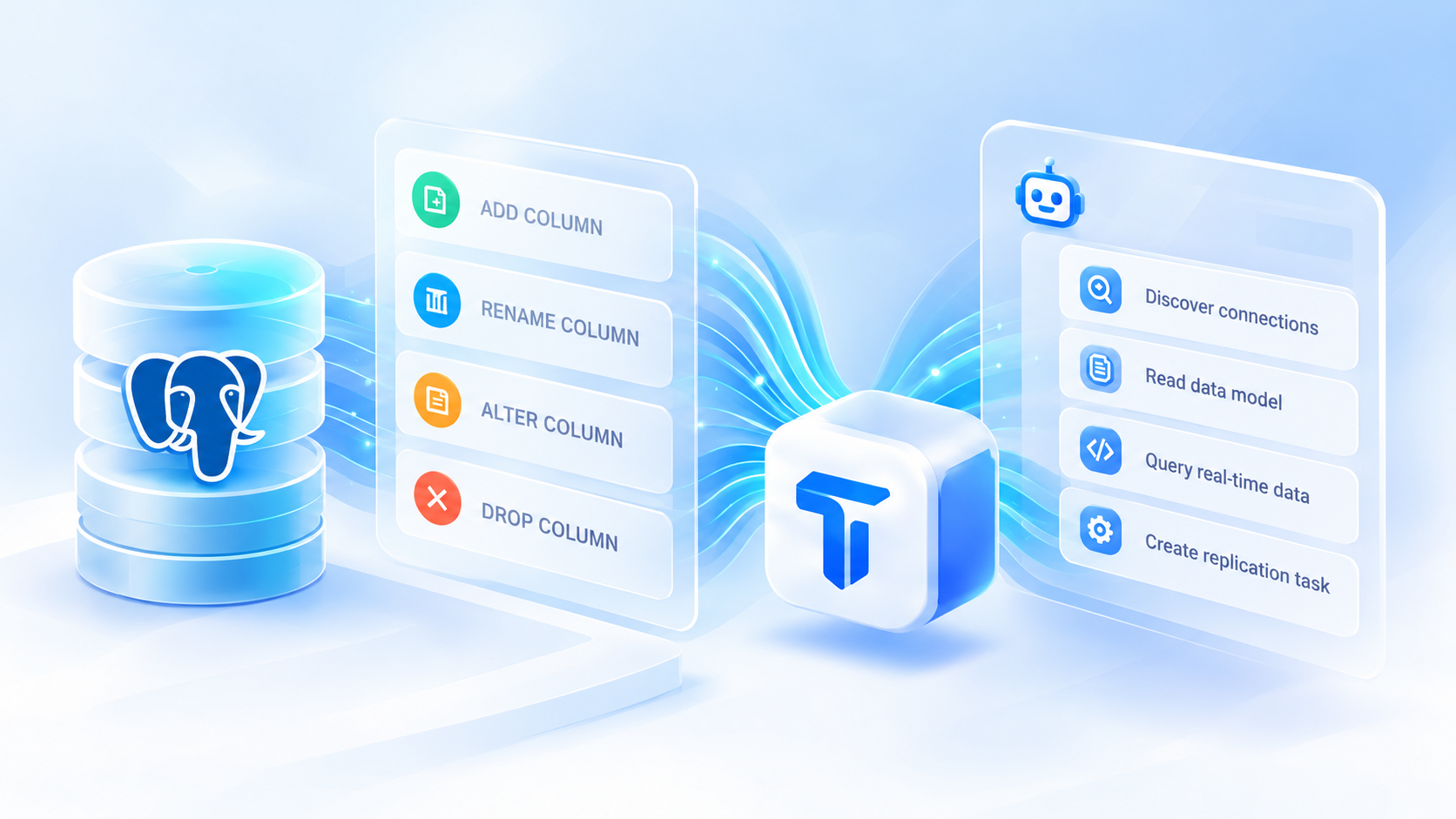
TapData 4.21 can capture DDL events when PostgreSQL is used as a source.
Supported change types include:
-
adding a column;
-
renaming a column;
-
changing column attributes;
-
dropping a column.
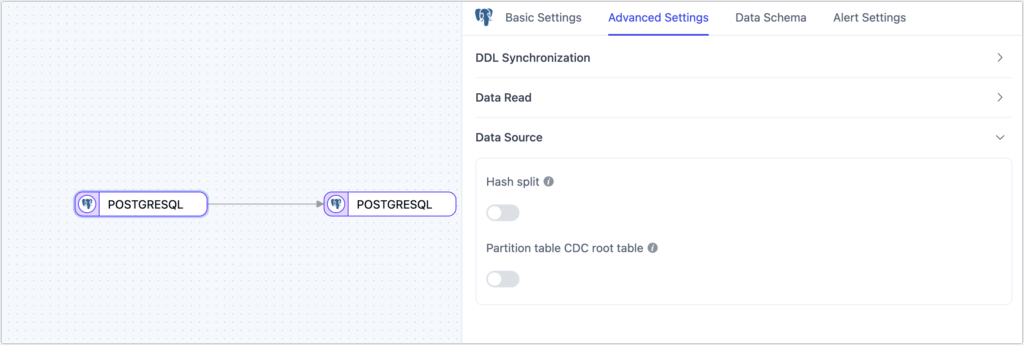
When used together with target-side DDL application capabilities, these events can help keep downstream structures aligned as the source schema evolves.
That matters in environments where application teams deploy frequently. Without schema-change awareness, a new or renamed field can require manual target maintenance before the pipeline can continue safely. By detecting those changes as part of the data flow, teams can reduce repetitive schema upkeep and lower the risk of source and target models drifting apart.
MCP Server gets a stronger foundation for expansion
TapData 4.20 extended MCP Server into data-engineering actions such as replication task creation. In 4.21, the MCP Server itself receives a broader architectural upgrade.
The goal is not a new headline workflow on its own, but a stronger base for protocol adaptation and tool expansion. As teams connect more AI agents and expose more governed capabilities through MCP, the server needs to support new tools and interaction patterns without turning every extension into a one-off integration.
For users, the practical benefit is a more extensible path for building AI-assisted data workflows around TapData while keeping the same principle of controlled access and explicit confirmation for operations that change platform state.

More flexible task monitoring
Production operations also depend on seeing the right signals without overwhelming users with irrelevant metrics.
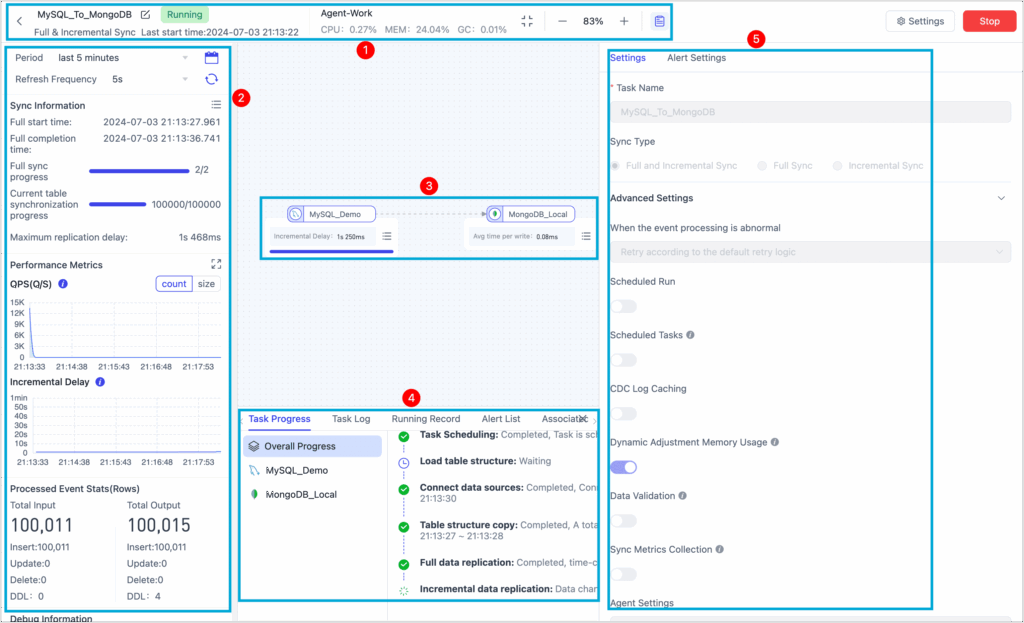
TapData 4.21 improves task monitoring by allowing CPU and memory metric switches to control how related monitoring charts are displayed. This gives teams more flexibility in shaping the monitoring view around the metrics they actually use.
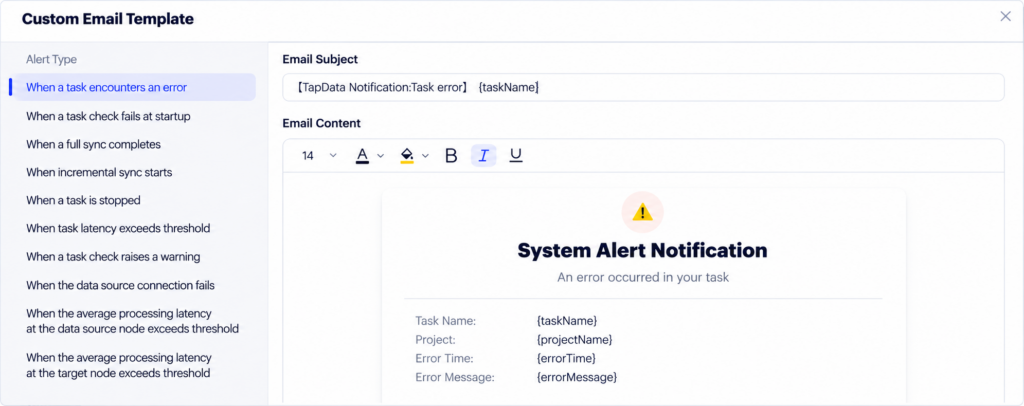
The release also improves notification context: email templates can reference a task description, making alerts easier to understand without forcing an operator to identify the task from an ID or name alone.
These are small changes individually, but they make recurring operational workflows clearer, especially when one team is responsible for many pipelines.
Continued usability, security, and stability work
TapData 4.21 also includes additional improvements across the task canvas, multilingual experience, security, and runtime stability.
Not every maintenance improvement needs to become a standalone feature announcement. Their value is cumulative: fewer rough edges in configuration, clearer operational feedback, and a more dependable base for long-running data services.
Why 4.21 matters
The central theme of TapData 4.21 is keeping change manageable.
PostgreSQL DDL capture helps pipelines respond when the data model changes. The MCP Server upgrade creates a more scalable foundation for AI-assisted workflows. Monitoring and alerting improvements help operators understand what is happening in production with less friction.
For teams running real-time data pipelines across frequently changing systems, those capabilities reduce the amount of manual coordination required to keep data structures, AI tooling, and operations aligned.
To learn more about TapData 4.21, see the release notes or contact the TapData team for upgrade guidance and a product walkthrough.
Explore the release in more detail
Review the full release notes for technical details, or talk to the TapData team about upgrade planning and how these capabilities fit your data environment.
Prefer a live conversation? Book a meeting →